The Surveillance Paradox: Understanding the Root Cause
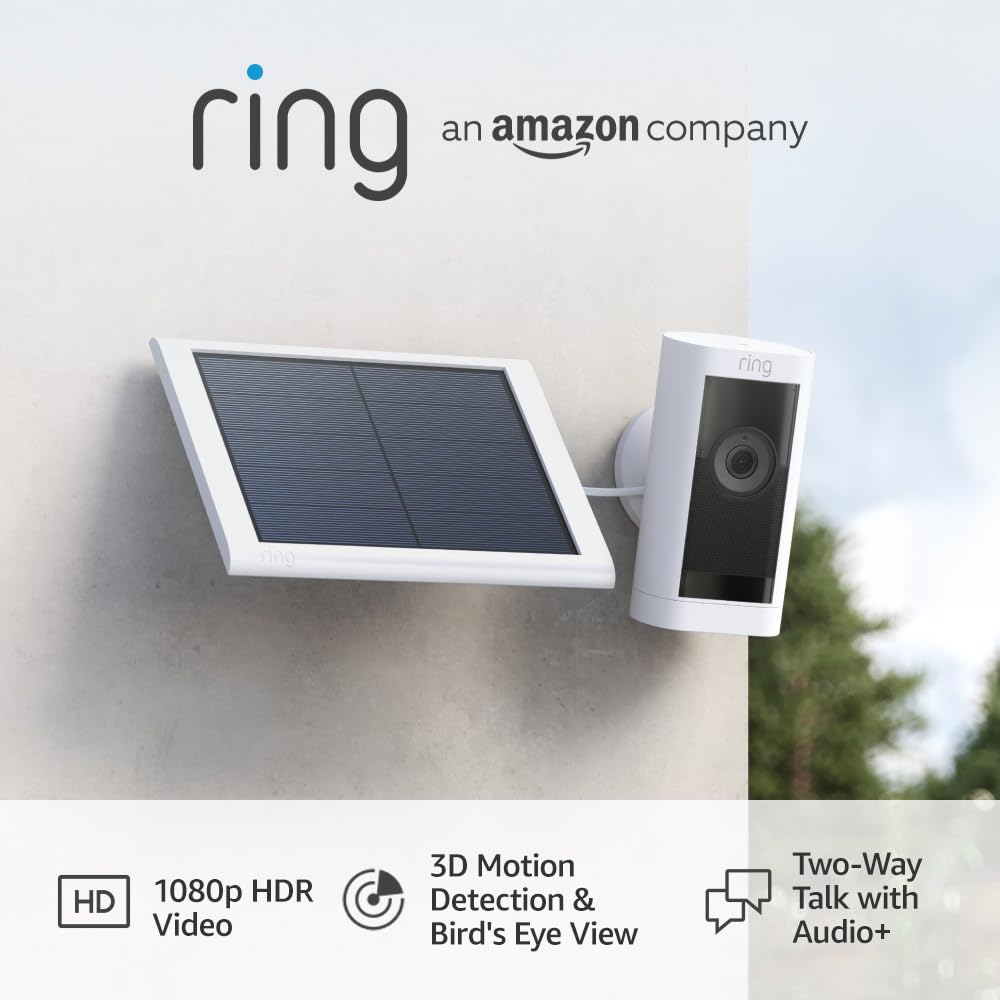
In the world of high-end residential integration, we often see homeowners fall into the trap of Security Theater. This happens when you invest heavily in “watching” your home without actually “securing” it. The technical root cause of most DIY frustrations is a misalignment of hardware capabilities with security objectives. If your system generates 50 notifications a day but can’t identify a face at 15 feet, you don’t have a security system—you have a digital hobby that causes notification fatigue.
Symptoms of a Failing Security Strategy
Before we can fix the network, we have to identify where the current setup is failing. Most residential “prosumer” installs suffer from three main issues:
- Notification Fatigue: You receive so many alerts for shadows, spiders, or passing cars that you eventually ignore the one alert that actually matters.
- Low Forensic Utility: When you pull the footage after an incident, the image is a blurry mess. You lack the Pixels Per Foot (PPF) required for a police report or insurance claim.
- Passive Post-Mortem: Your system only tells you that you were robbed after the intruder has already left. It offers no active deterrence.
Conducting a Professional-Grade Security Audit
As an integrator, I run every site through a specific diagnostic workflow to determine if the system is actually functional. You can perform these tests yourself to find the weak points in your perimeter.
The Lineup Test
Review your existing footage from yesterday. If a stranger walked to your front door, could you clearly identify their facial features, or just the color of their hoodie? For a camera to be a forensic tool, it needs to capture identifiable features at a minimum of 15 feet. If it can’t, the camera is mounted too high or the lens is too wide.
The Response Latency Test
Trigger a motion event and timing how long it takes for the notification to hit your phone and for the live stream to load. In a real-world scenario, if this takes longer than 10 to 15 seconds, your “two-way talk” feature is useless for deterring a package thief.
The Specialist’s Stack: Implementing Defense in Depth
To move from “watching” to “securing,” we use a layered approach. We don’t rely on cameras to do the job of a deadbolt.
Layer 1: Deterrence and Hardening
Physical security always comes first. Ensure your entry points use ANSI Grade 1 smart locks with auto-lock timers. For ground-floor windows, apply 8mil security film. This doesn’t stop a window from breaking, but it keeps the glass in the frame, forcing an intruder to spend minutes—not seconds—trying to gain entry.
Layer 2: Active Detection
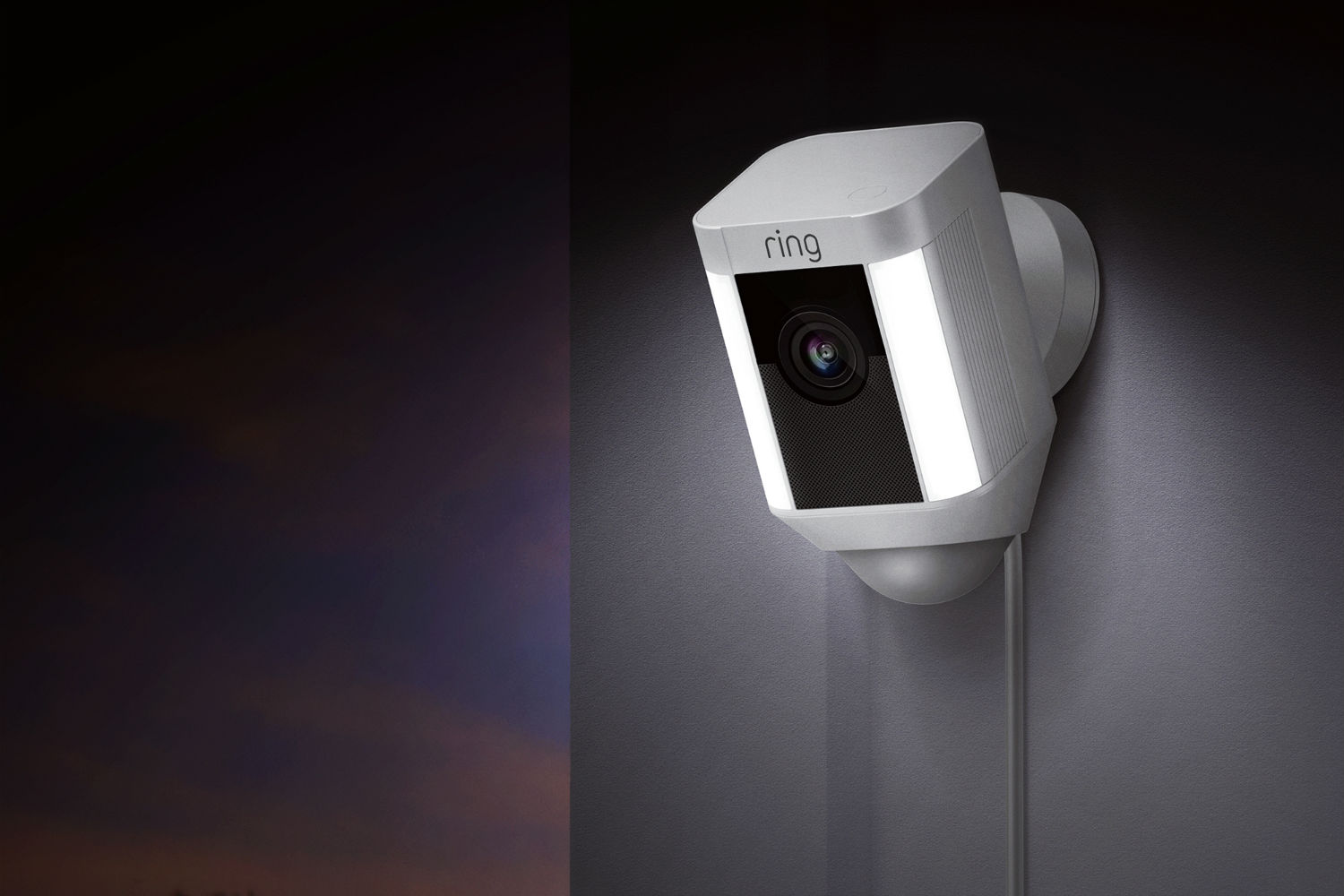
Move away from pixel-based motion detection. Use cameras with on-device AI filtering for human and vehicle detection. This reduces false alerts by up to 90%. Additionally, integrate glass-break sensors and door contacts. These provide a binary “True/False” state that is far more reliable than a camera’s algorithm.
Optimizing Video Surveillance for Forensic Utility
To get the most out of your hardware, follow these professional placement rules:
- The Eye-Level Rule: Your doorbell camera is your most important asset because it captures faces at eye level. Ensure it is mounted approximately 48 to 52 inches from the ground.
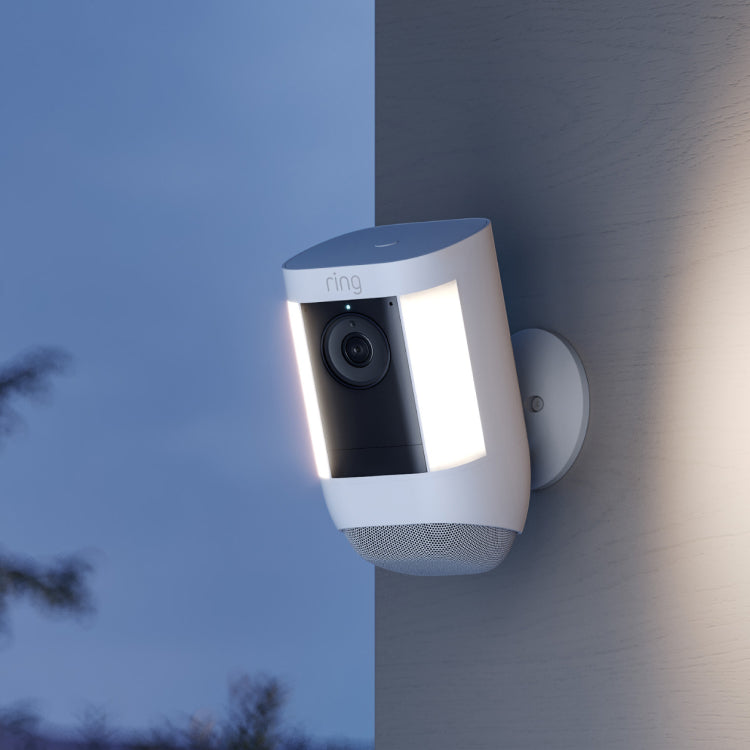
- Lighting Consistency: Use motion-activated floodlights (aim for 3000K to 5000K color temperature). Cameras struggle with “hot spots” and deep shadows; consistent lighting ensures the sensor can maintain a high frame rate at night.
- Network Hardening: Never put your cameras on the same Wi-Fi network as your laptops and phones. Isolate all IoT devices on a dedicated VLAN and disable UPnP on your router to prevent unauthorized external access.
Professional Warnings and Legal Compliance
Before you finalize your install, keep these industry “gotchas” in mind:
The Privacy Trap: Avoid placing cloud-connected cameras in bedrooms or bathrooms. If you must have indoor coverage, use models with physical privacy shutters or set up geofencing to cut power to the units when you are home.
The Intercom Risk: Be careful when using two-way talk while away. If there is a lag or if you sound distracted, you are inadvertently confirming to a burglar that the house is currently empty.
Legal Boundaries: In many North American jurisdictions, pointing a camera directly into a neighbor’s window or fenced backyard can lead to Invasion of Privacy litigation. Keep your FOV (Field of View) focused on your own property lines and public easements.