The “SaaS-Lockout” and Why Your Security Camera is Failing You
If you have ever checked your footage only to find a 10-second clip of a porch pirate’s back as they walk away—followed by five minutes of “cool-down” silence—you have experienced the SaaS-Lockout. In the North American consumer market, $20 to $40 IoT cameras are often sold as loss-leaders. The hardware is cheap because the manufacturer intends to recoup costs through monthly cloud subscriptions. To force you into these plans, they intentionally cripple the device’s ability to record Continuous Motion Capture (CMC) locally.
The technical bottleneck isn’t usually the hardware’s lens or sensor; it is the software-defined gatekeeping of the Real-Time Streaming Protocol (RTSP). Without local NVR (Network Video Recorder) support, you are at the mercy of proprietary servers that prioritize their bandwidth over your property’s security.
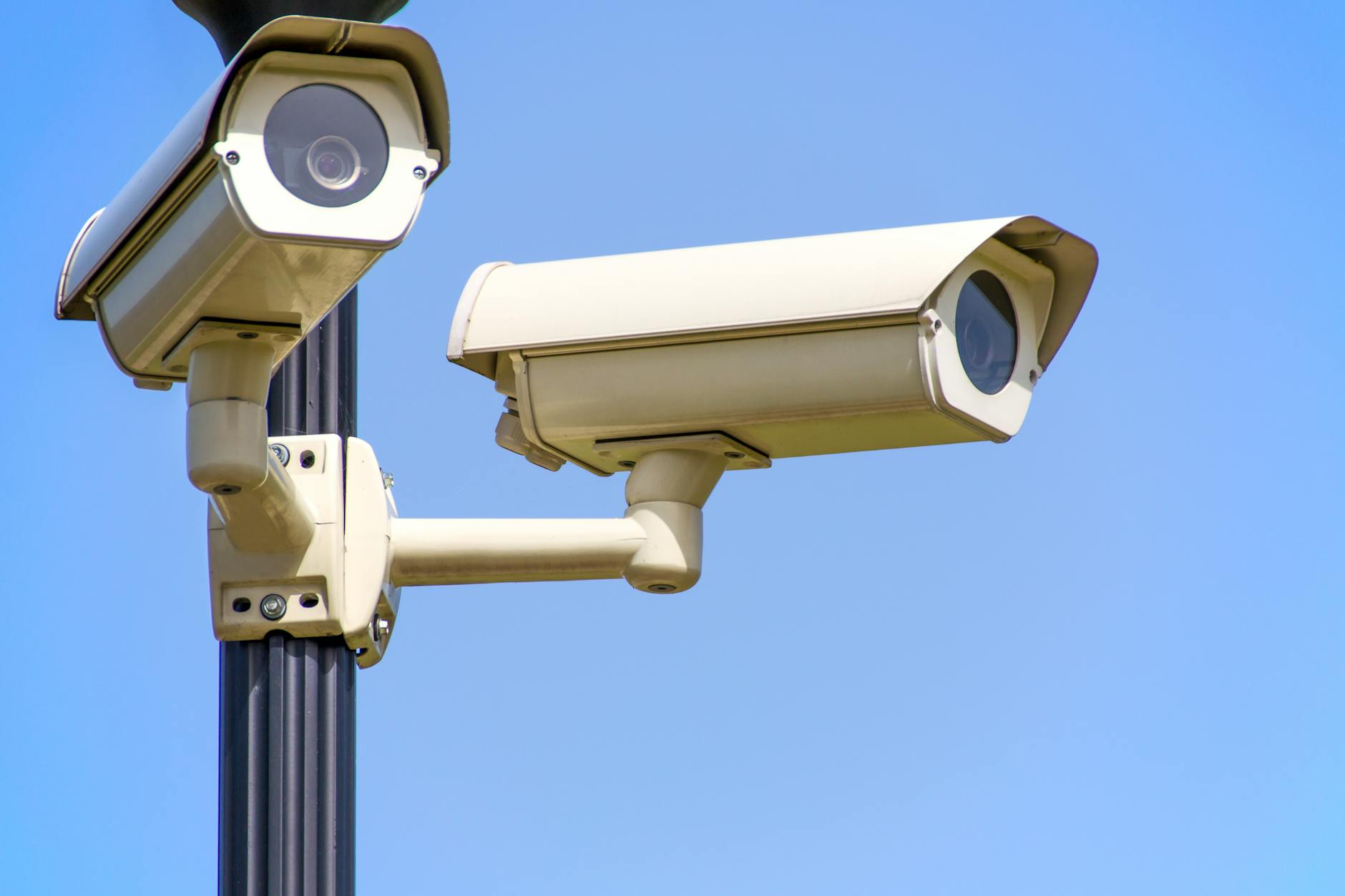
Identifying the Root Causes of Retrigger Latency
Understanding why your cameras are missing the action is the first step toward a professional-grade fix. Most residential issues stem from three specific technical failures:
Thermal and Power Management Throttling
Battery-powered units, like those from the Blink or Ring ecosystems, are “wake-on-motion” devices. To preserve a battery life that lasts months, the camera stays in a deep sleep until the PIR sensor is tripped. This creates a 1 to 2-second “lag to glass” where the event is already halfway over before the recording starts. Furthermore, continuous recording on these units would cause the cheap System on a Chip (SOC) to overheat within minutes.
SD Card Wear-Out and Controller Failure
If your camera constantly asks to be “reformatted,” you are likely using a standard SanDisk or Samsung card designed for digital cameras, not surveillance. Continuous video writing creates immense heat and high-write cycles. Consumer-grade controllers in cheap SD cards fail under this stress, leading to corrupted footage exactly when you need it most.
Cloud-Dependency Latency
Many “smart” cameras must “phone home” to a server in Virginia or California to authenticate a recording trigger before they actually start saving data. If your upload speed is choked or the manufacturer’s server is busy, the event is over before the “record” command returns to the camera.
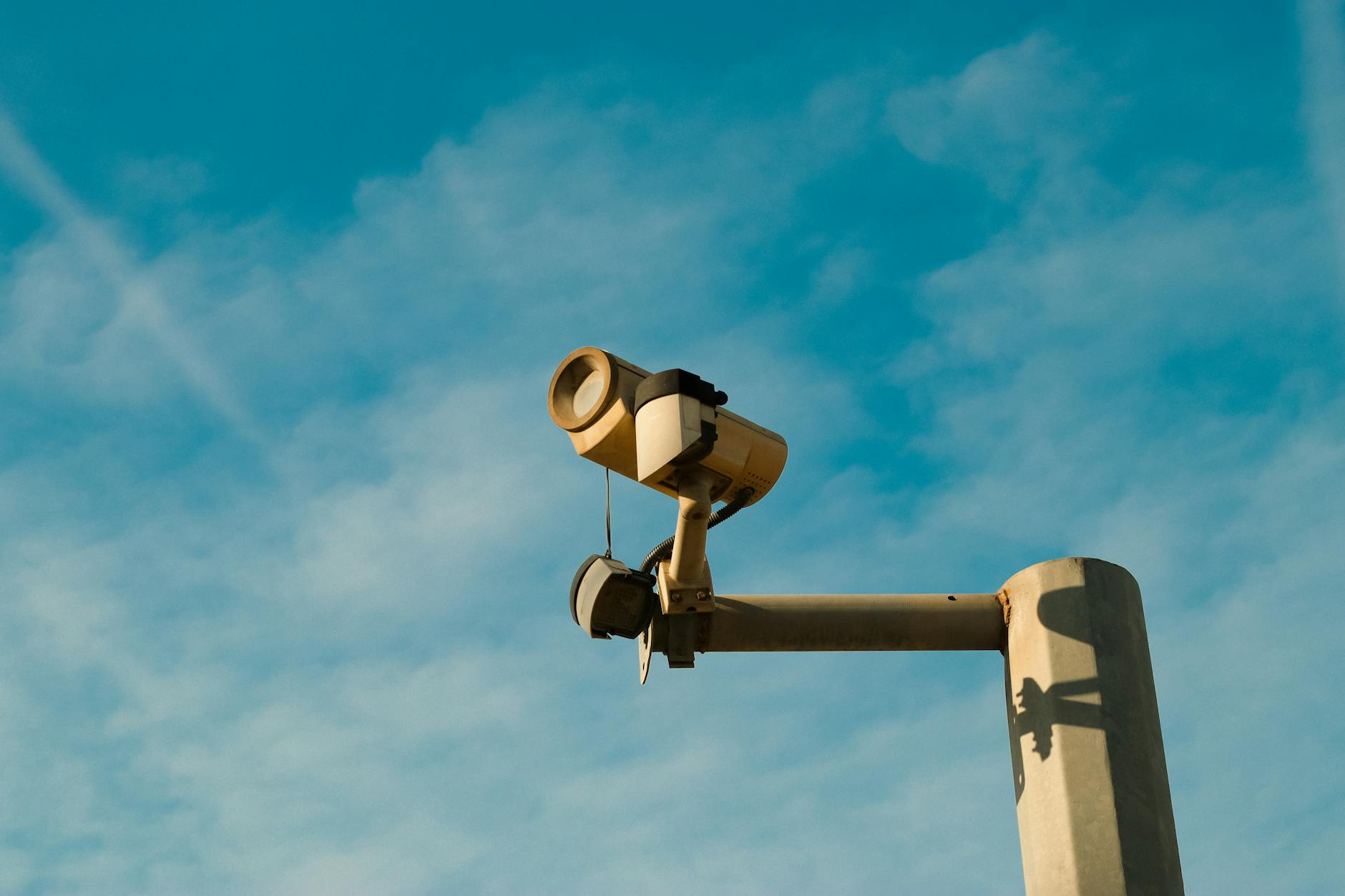
Professional Diagnostic Workflow
Before ripping out your existing wiring, run this audit to see if your current hardware can be saved:
- Storage Media Audit: Ensure you are using pSLC or MLC “High Endurance” cards. Look for cards specifically labeled for “Video Monitoring” or “Dash Cams.”
- Network Throughput Test: Use a Wi-Fi analyzer app at the camera’s mounting height. You need a signal strength (RSSI) of -60dBm or better for stable high-bitrate streaming.
- Protocol Check: Search your camera model + “RTSP support.” If it doesn’t support RTSP or ONVIF, it is a “walled garden” device that will never allow true local integration.
- Power Check: If you want 24/7 recording, you must have 12V or 5V DC hardwired power. Battery-only is a non-starter for continuous surveillance.
Tiered Solutions for Reliable Home Surveillance
The Prosumer Pivot: Reolink and Amcrest
For those who want to avoid monthly fees while maintaining high reliability, Reolink and Amcrest are the industry standards for “prosumer” gear. Reolink’s Wi-Fi series allows for 24/7 continuous recording directly to an onboard MicroSD card without a subscription. Amcrest units are essentially rebranded Dahua enterprise hardware; they support RTSP, allowing you to stream footage to a local NAS (like a Synology box) or a dedicated PC running Blue Iris software.
The Wyze Continuous Recording Workaround
If you are on a budget and already own Wyze v3 or v4 hardware, stop using “Event Recording.” Instead, install a High Endurance MicroSD card and toggle “Continuous Recording” in the local storage settings. This forces the camera to write to the card 24/7, effectively bypassing the 5-minute cloud cool-down period. You will have to scrub through the timeline manually, but you will never miss a frame.
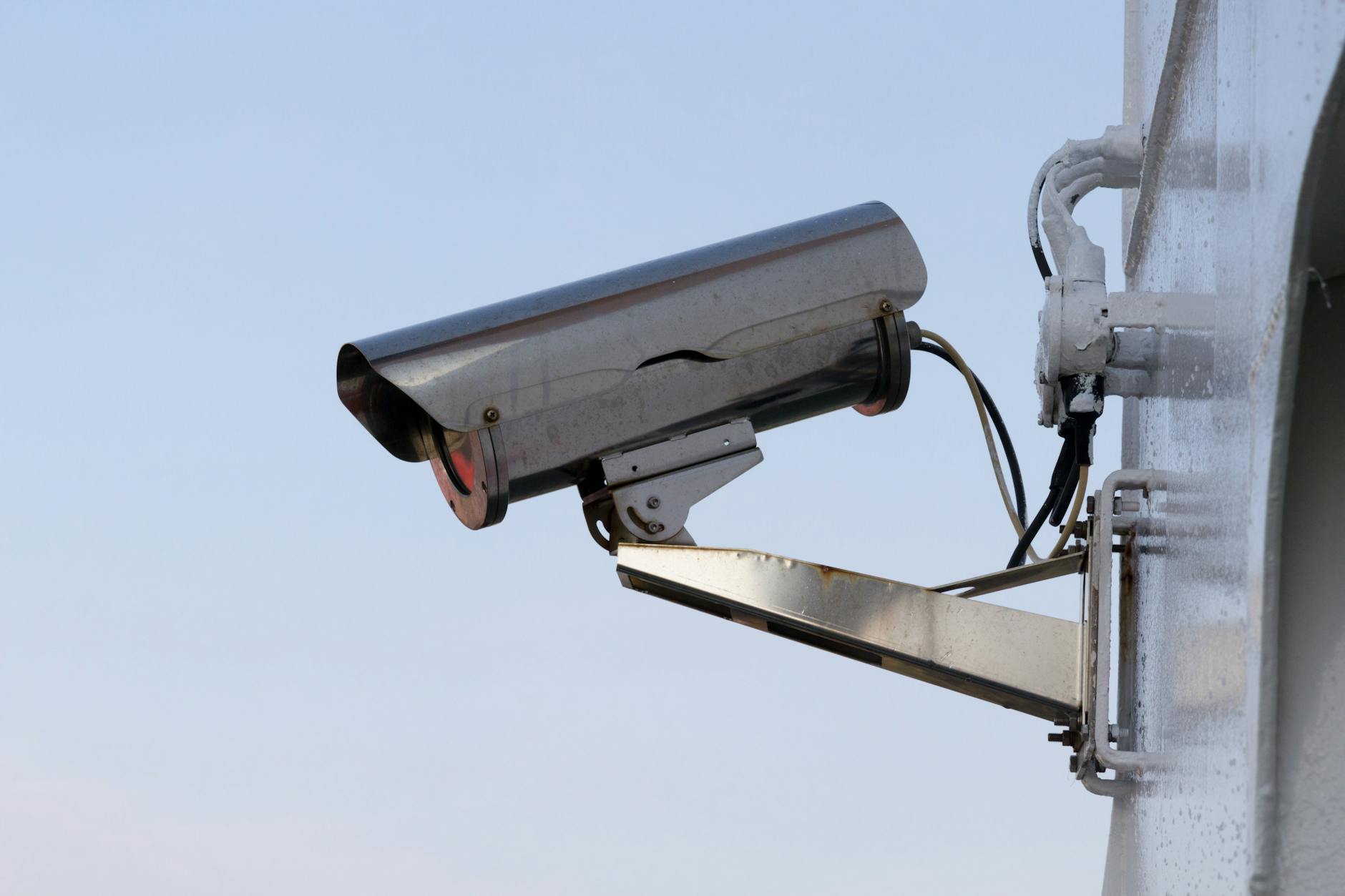
Specialist Advice for a Bulletproof System
To truly secure a North American home, follow these professional standards:
1. Solve the “No-Cat6” Problem: If you cannot run new Ethernet cables, use Powerline Adapters (PLC). These devices turn your home’s existing electrical wiring into a data network, allowing you to place a hardwired NVR in a closet while keeping the cameras outside.
2. Manage Wi-Fi Congestion: Continuous recording from four or more 2K cameras will saturate a standard 2.4GHz Wi-Fi band. If possible, move your cameras to the 5GHz band or ensure your mesh network has a dedicated wireless backhaul to prevent “ghosting” in the video feed.
3. Data Sovereignty: If you use cameras from brands like Reolink or Amcrest, use your router’s settings to block the cameras from WAN access (the internet) while keeping them visible on your local LAN. This ensures your private footage stays inside your house and isn’t being pinged by external servers.
4. Climate Considerations: In northern climates where temperatures drop below 0°F, ensure your external cameras are rated for IP67 and have internal heaters or are powered by a constant 12V source to prevent the internal components from seizing during a freeze.